Content Marketing
Content at Scale: How to Create 50+ Social Media Posts Per Month Without Burning Out (Complete System)
 Cole Neophytou
 Cole Neophytou
You do not need to create content every day to grow on social media. You need to batch it. Agents who set aside one focused session per platform each week can produce 50 or more quality posts a month in roughly six to seven hours, while agents who create one post at a time burn out inside two months. The difference is never talent or budget — it is process, and a stack of professional raw assets to work from.
Daily posting across Instagram, Facebook, TikTok, LinkedIn, and YouTube adds up to 200-plus pieces a year. For a solo agent or small GTA team, creating that one piece at a time is the least efficient method possible. You feel it around week six: the feed goes dark, growth stalls, and lead gen drops. The fix is not more hours. It is batching, templates, and a foundation of professional photos and video you can cut into dozens of posts.
Batching means you stop creating one Instagram post Monday, a TikTok Tuesday, a LinkedIn post Wednesday. Instead you create all your Instagram posts in one sitting, all your Reels in another, all your LinkedIn in another. You keep your head in one format, one tool, one voice — and the work compounds.
Compare the two approaches honestly. Creating from scratch, one post at a time, runs 20 to 35 minutes per post once you count brainstorming, writing, designing, and scheduling. Batching with templates drops that to three to five minutes per post after setup. That is not a 10 percent gain — it is the difference between a sustainable rhythm and quitting.
That is roughly six and a half hours a week to produce 50-plus pieces of content.
The first time you build a design it takes half an hour. The tenth time you use it as a template, you swap two or three elements and publish in minutes. Build five or six base templates in Canva or Adobe Express and reuse them indefinitely:
Designing each post from scratch wastes the bulk of your time. Templated, the same 50 posts that would take 30-plus hours drop to a fraction of that.
Producing 50-plus posts a month reliably takes four things working together.
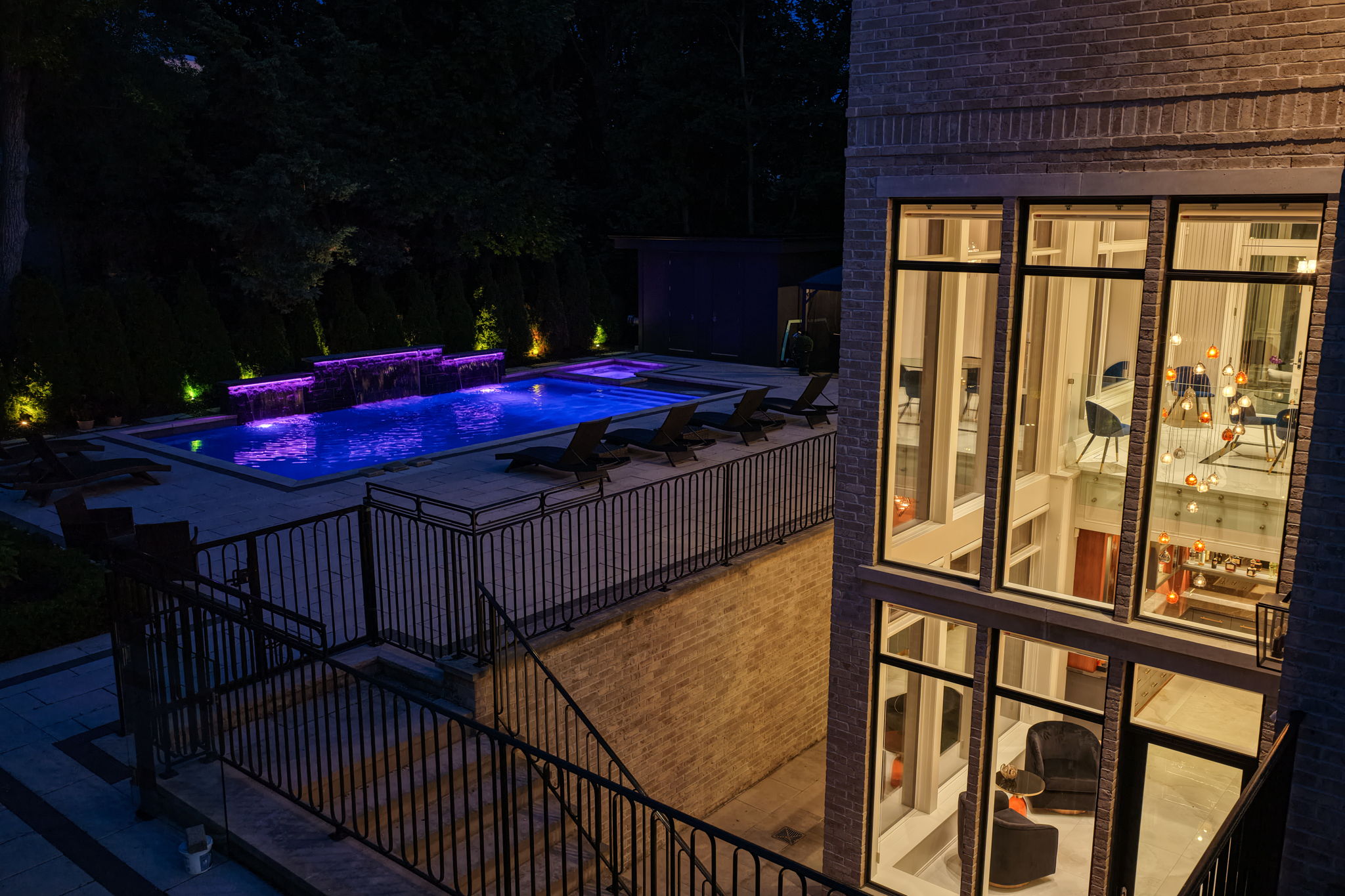
1. Professional raw assets. This is the foundation everything else rests on. One real estate photography shoot gives you 40 to 60 high-resolution images; one videography session gives you five to ten usable clips. From a single shoot you can pull dozens of posts, several Reels, a few blog features, and email content — for weeks. Without professional assets you are stuck making graphics and shaky phone photos, which is exactly why most agents burn out. Ask for variety when you shoot: wide, medium, and detail shots, different times of day, and lifestyle frames.
2. A design system. The templates above, built once, reused forever.
3. Batching and scheduling tools. Pick one — Buffer, Later, or Hootsuite — and stay consistent. The tool matters far less than using it every week.
4. An engagement system. Posting is maybe a third of the work. Set aside two ten-minute blocks a day to reply to comments and engage with other accounts. Posts you actually respond to earn meaningfully more reach than posts you ignore. If you cannot commit 20 minutes a day to engagement, post fewer times — four strong days beat seven silent ones.
Here is the loop that keeps the machine fed without draining you:
One shoot a month, cut and recut across formats, comfortably supplies 60-plus content pieces. For a listing-heavy agent, a 3D tour or drone clip from the same appointment adds even more raw material — a Matterport walkthrough and an aerial reveal each spin off multiple short videos. When you know your monthly shoot is coming and the pricing is fixed, planning content stops being guesswork. APV publishes transparent pricing so you can budget the raw-asset line of your content system down to the dollar.
Batching carries one person to about 50 to 70 posts a month at six to seven focused hours a week — sustainable long term. Past 70, bring in a freelance content creator (10 to 15 hours a week) and hand them your raw assets and direction. Past 100 posts a month, you need a small team: a full-time creator running the batching and a part-time video editor, while you supply strategy and assets.
How many photos should one shoot give me for social content?
A standard professional real estate shoot delivers 40 to 60 high-resolution images, and a video session adds five to ten usable clips. That is enough raw material to build 50 or more social posts, several Reels, and a few blog and email features — from a single appointment.
How much does a professional shoot cost if I want monthly content?
Amazing Photo Video's HDR photography starts at $249.99, cinematic video from $299.99, and a video-plus-drone package from $399.99 (CAD, plus HST, across Toronto and the GTA). Booking one shoot a month gives your batching system a predictable raw-asset budget you can plan around.
Do I really need professional video, or can I just use my phone?
Phone footage is fine for raw, in-the-moment Reels and behind-the-scenes clips — those thrive on authenticity. But your listing showcases, hero posts, and anything meant to signal quality benefit enormously from professional videography and photography, because premium assets make every templated post look premium too.
How long before batching actually saves me time?
Expect real savings from the second cycle on. Week one includes a one-time investment in building templates and mapping your calendar. From there, most agents cut their monthly content time by roughly half while producing more, not less.
Cole Neophytou is a professional real estate photographer and content creator at Amazing Photo Video.
Get the latest insights on real estate photography, videography, and marketing trends delivered to your inbox.
No spam. Unsubscribe anytime.
Professional real estate photography and videography services that help properties sell faster and for higher prices.
A complete workflow for capturing authentic client video testimonials and turning them into your most persuasive marketing asset across YouTube, social, email, and listing presentations.

A step-by-step guide to building automated lead-capture funnels for real estate — valuation, buyer's guide, neighbourhood farm, and listing-showcase funnels that work while you close deals.

A systematic client-education framework that positions GTA agents as advisors, deepens trust, and drives long-term retention and referrals.
HDR photography, cinematic video, drone, Matterport 3D tours, floor plans and virtual staging across Toronto & the GTA — with transparent pricing from $249.99 and 24–48 hour turnaround.